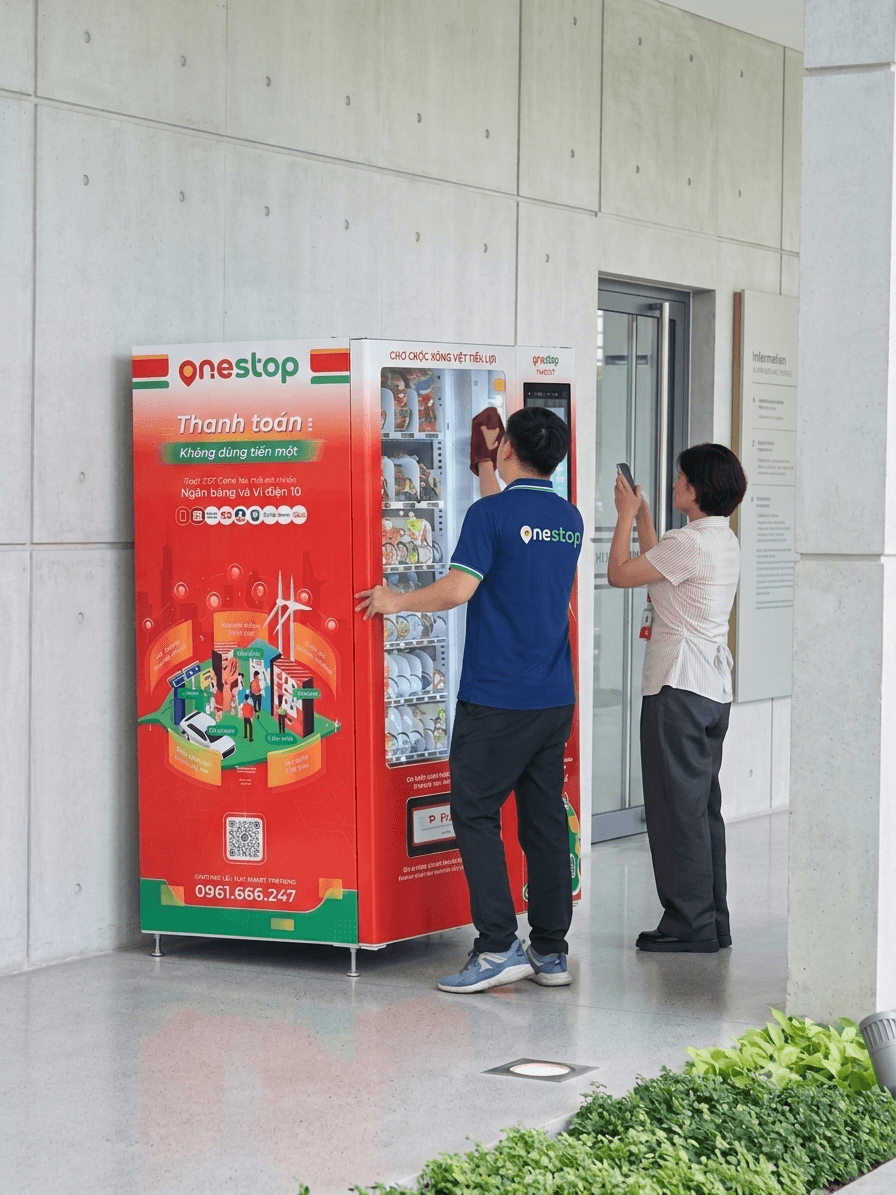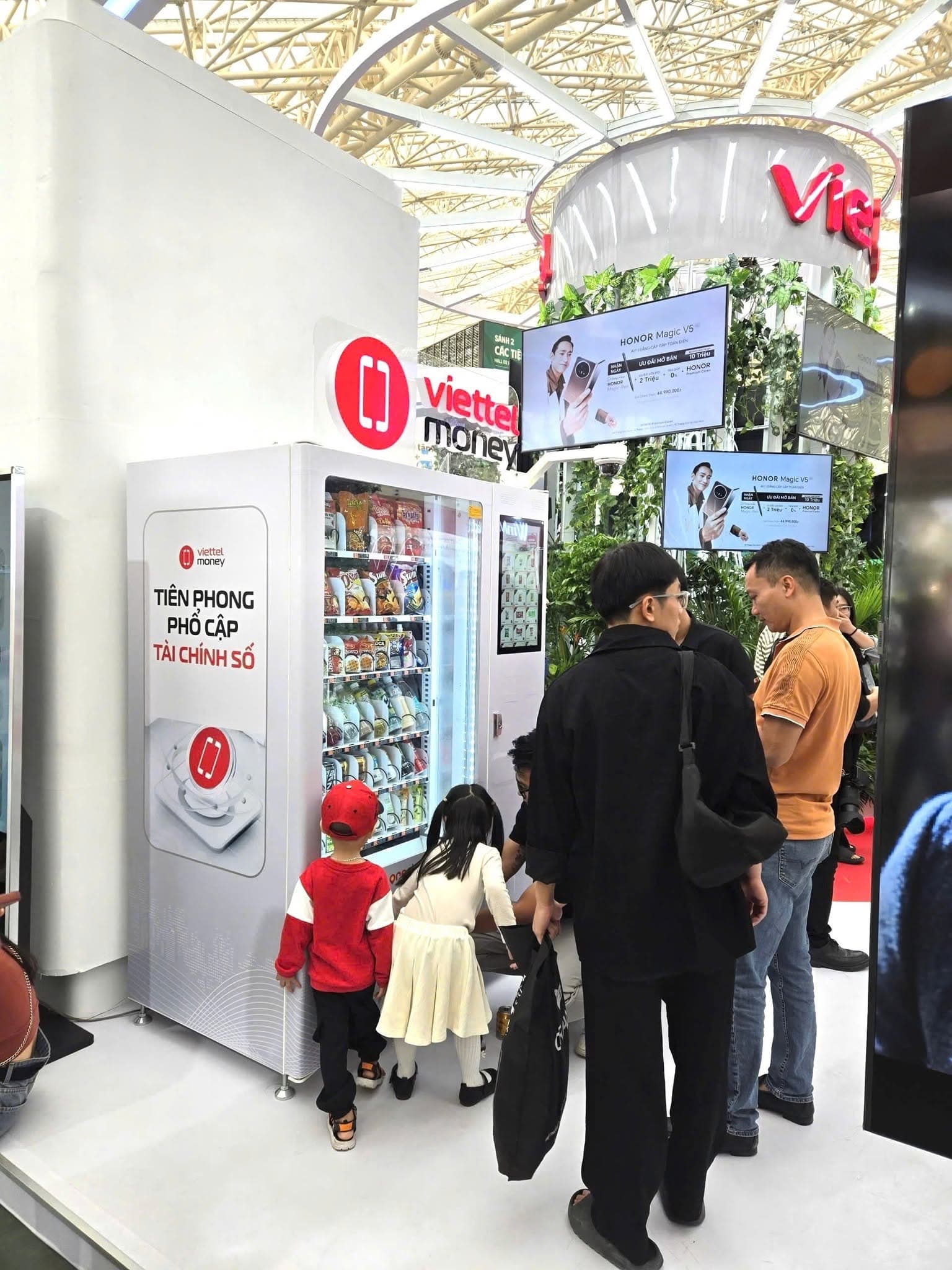

Buying from a OneStop vending machine in a few steps
OneStop machines let you buy drinks and everyday items in a few steps and pay by QR code or e-wallet. Here is how to buy and what to know when using them.
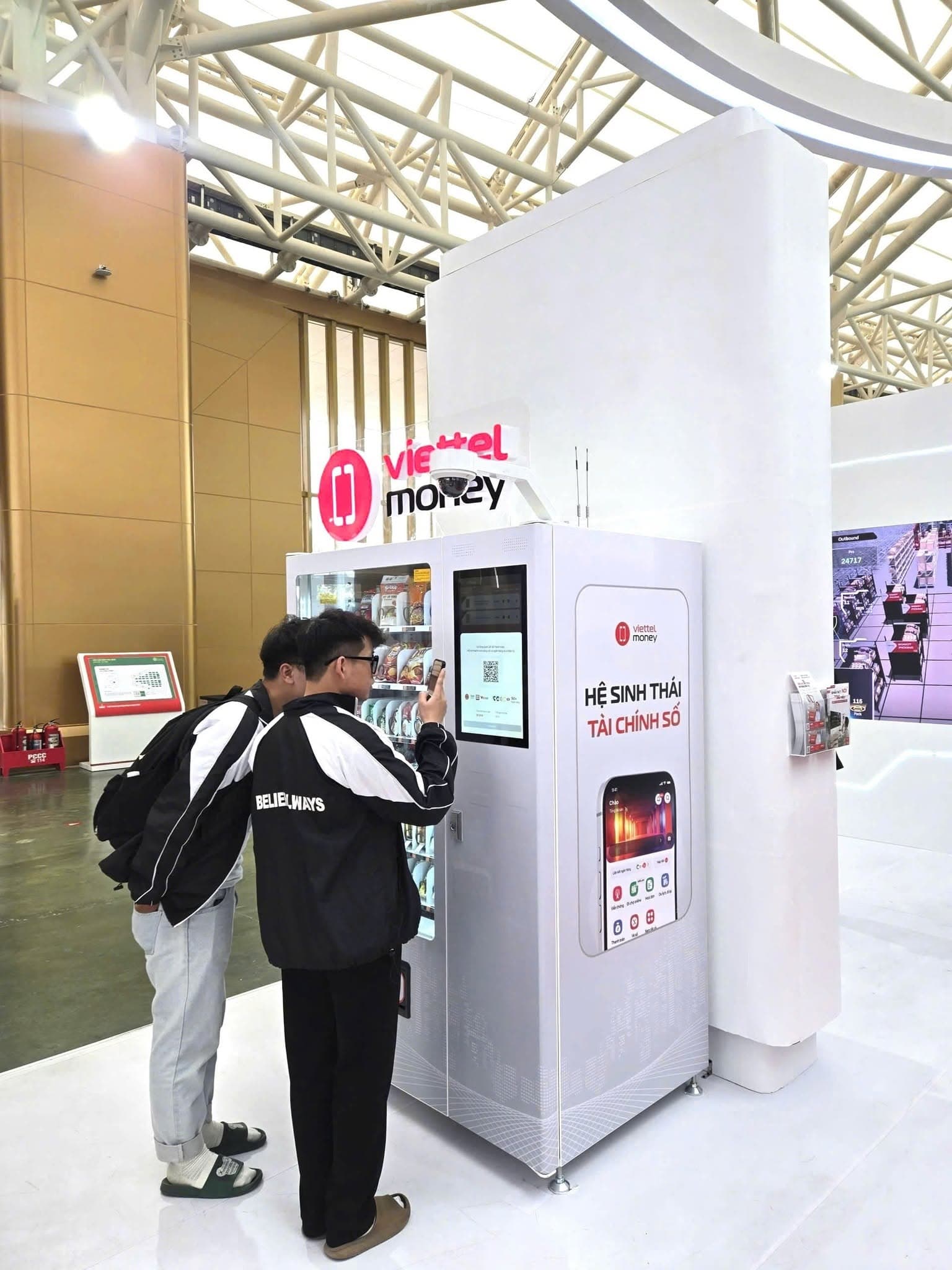
Step 1 – Choose a product: look at the items on display and select the one you want, following the on-screen instructions. The price is shown before you pay.
Step 2 – Pay: choose a payment method and scan the QR code on the machine with your banking or e-wallet app. OneStop machines are cashless, so there is no need for small change.
Step 3 – Collect your item: once payment goes through, the product drops into the collection tray at the bottom of the machine. Check your item before you leave.
If something goes wrong, for example you have paid but no product came out, contact the hotline 19008247 or email info@sangroup.com.vn with the machine’s location and the time of the transaction.